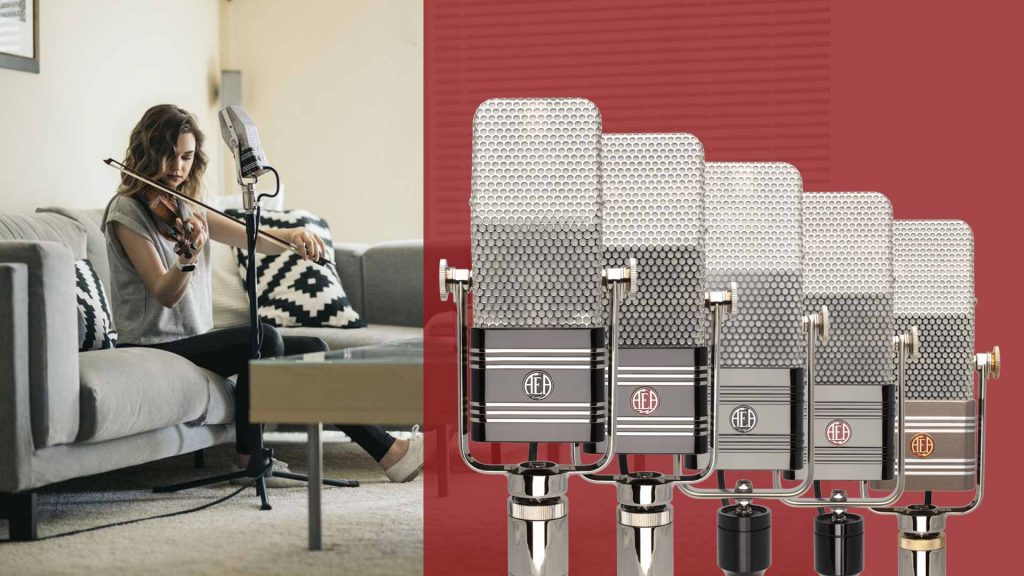
Tricks of the Trade
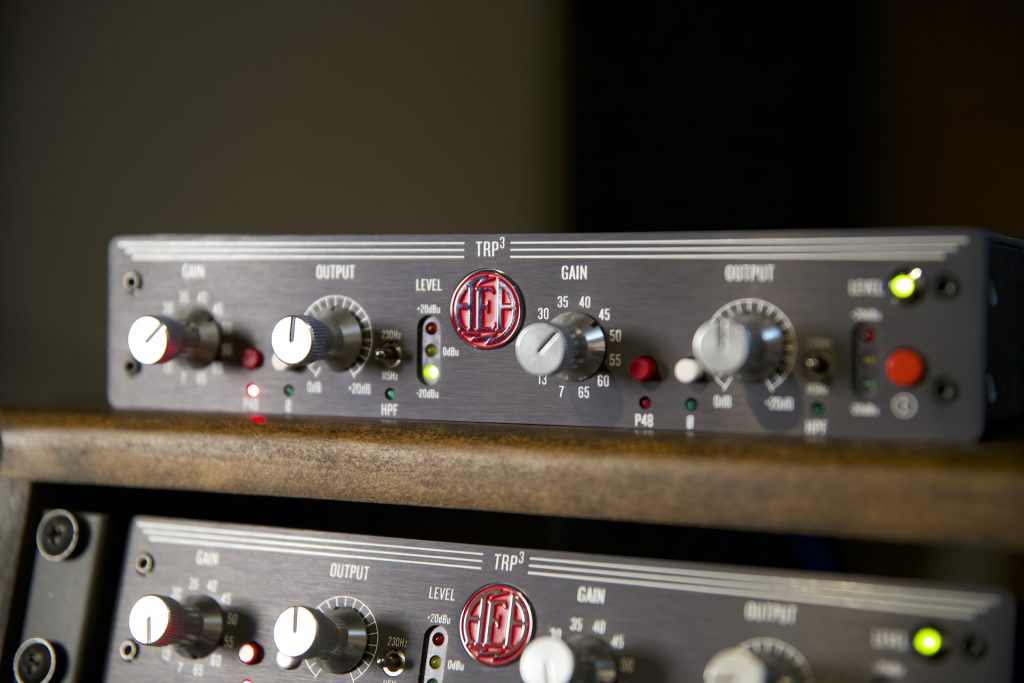
BEHIND THE MIC: THE AEA TRP RIBBON MICROPHONE PREAMPS
wc-shippo-shipping domain was triggered too early. This is usually an indicator for some code in the plugin or theme running too early. Translations should be loaded at the init action or later. Please see Debugging in WordPress for more information. (This message was added in version 6.7.0.) in /www/aearibbonmics_173/public/wp-includes/functions.php on line 6131acf domain was triggered too early. This is usually an indicator for some code in the plugin or theme running too early. Translations should be loaded at the init action or later. Please see Debugging in WordPress for more information. (This message was added in version 6.7.0.) in /www/aearibbonmics_173/public/wp-includes/functions.php on line 6131
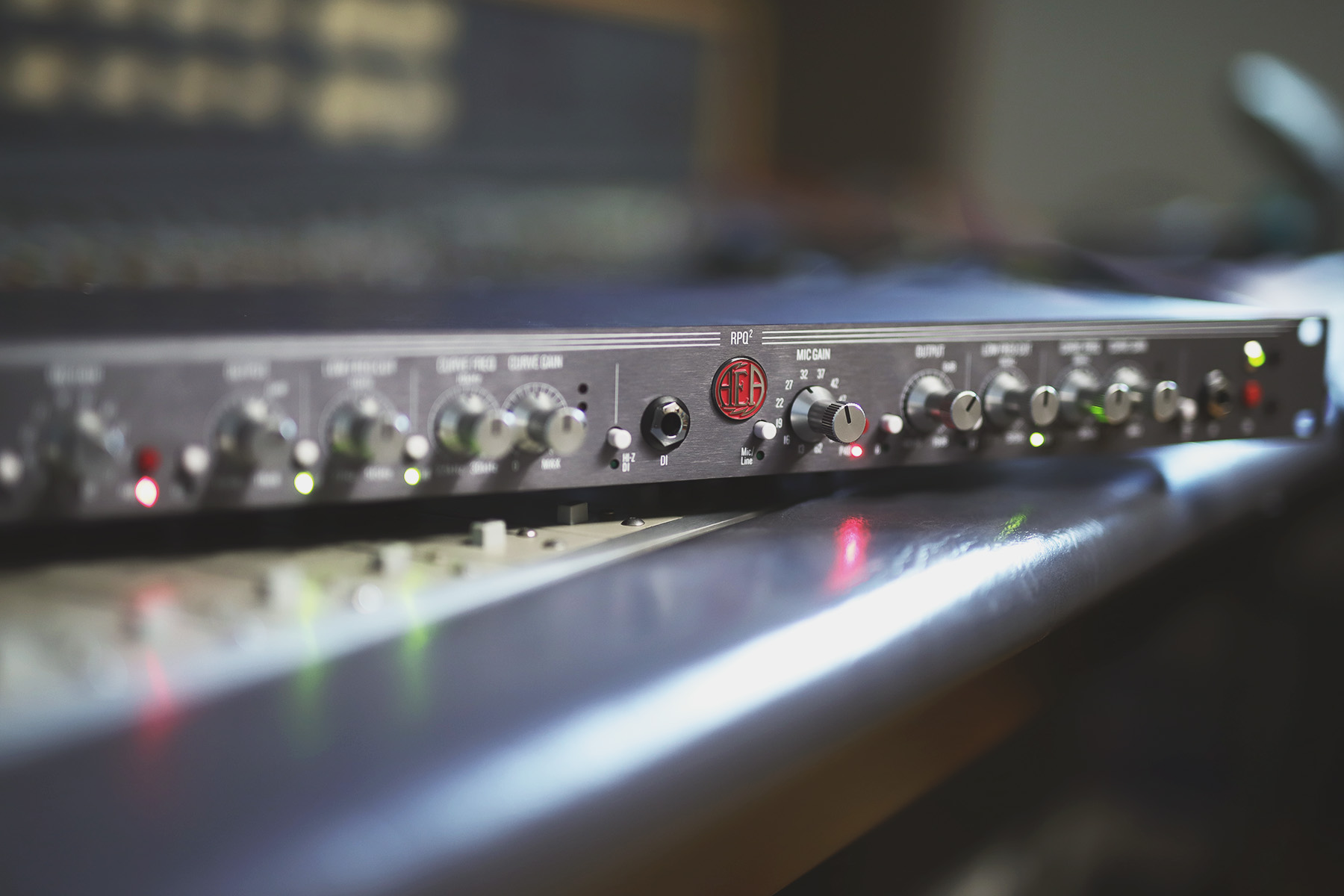
To switch the voltage of the RPQ2 is very easy, you have to remove the seven screws on the top to open the unit. On the right-hand side will be the power supply, there is a switch there that is 120/240 you need to put it in the 240V position. You will also need to change the fuse to an 80mA, the unit will be fine with the 160mA that is currently in place but we recommend that it gets changed as soon as possible for safety. The part number for the fuse that we use it 0034.3106. It can be purchased here.